
Forum Replies Created
-
AuthorPosts
-
William Weye
ParticipantI'm not comfortable letting someone into my dev site. I know what the issue is. Otherwise, MB works fine. If I need to make changes to the extensions, I know that I need to put Cloudflare into dev mode.
Like I said, I have turned off all other plugins and had the same MB extension page issue, so there are no conflicts there.
Thanks
ParticipantNever mind. The solution didn't work. I even targeted the bypass to that exact MB page, and it didn't work when out of dev mode.
So, cache is definitely not the issue. My best guess is that there is some security setting in Cloudflare that doesn't like that page. I've seen the extensions and made the changes that I wanted, so I don't care if I see that page right now.
But something happened in the last MB update that cloudfare doesn't like.
I can't waste any more time on this issue.
ParticipantOkay, I tracked it down (maybe). I was reviewing the HTML output, and at the bottom, I found Cloudflare javascript with caching active, which it shouldn't have been, as I have cache bypass rules set. I created more precise bypass rules and then enabled developer mode. That did the trick, even when taking it out of dev mode.
However, here's the thing: I've always used Cloudflare and rarely interact with it. I've never had a problem with anything else on the site. And I've never had a problem with MB and Cloudflare until (it seems) the last update.
ParticipantThat's a no-go. I also checked the browser dev console and resolved some Fontawesome errors, but that doesn't make a difference. The browser console is clean now. I am still getting the blank page, as the image above shows.
Participant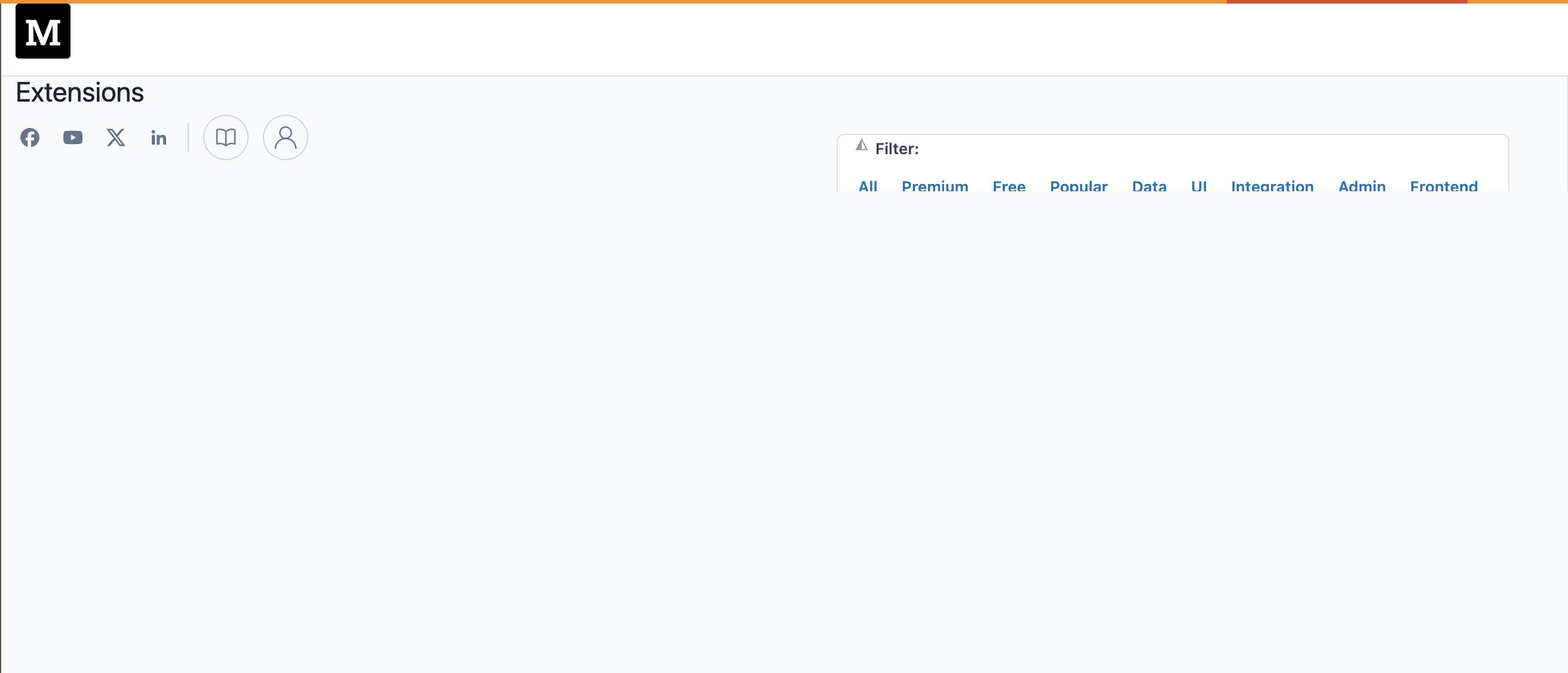
-
AuthorPosts