Forum Replies Created
-
AuthorPosts
-
Chris
ParticipantI used the other plug-in. It’s great.
ParticipantYou are awesome, thanks!
Close.
Participant😭
ParticipantOh yes, that is done in the plugin settings under relationships as I mentioned:
MB Relationship: From Ticket -> To Reply
I tried to flip it as well but still not populating.
I will try the code route and then reach out to FluentForms.
If you have any next steps beyond ensuring the relationship is set, let me know.
Thanks.
ParticipantHey Long,
I sifted through all the tickets and found this one, which is what I am trying to do. I just can't seem to get it to work.
Could you help me make sure I have the relationship setup correctly?
Tickets (CPT)
Replies (CPT)FluentForm shown on Ticket page -> Create a Reply Post.
MB Relationship: From Ticket -> To Reply.
Nothing populates using the code above. I feel that I am so close.
Happy to grant admin access if that helps.
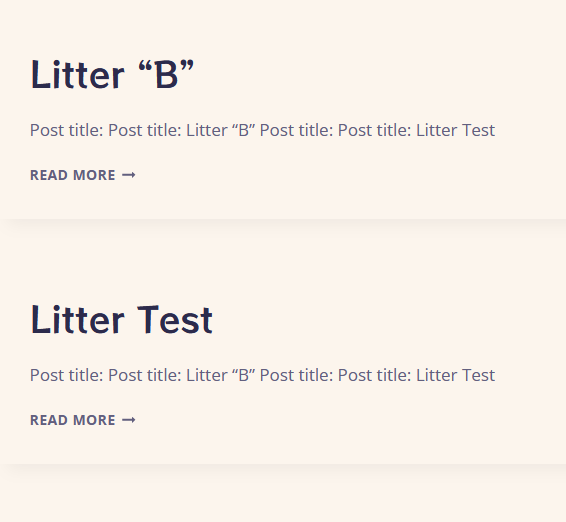
ParticipantEh, not really working. Plus, I have relational fields going. Not even the post title works, let along a custom field. Still can't iterate over the posts in the main query loop.
https://snipboard.io/5GaTNr.jpg
https://snipboard.io/HOwAFU.jpgIdeally, this would work:
https://snipboard.io/J6u3Bw.jpg
The Post ID works, but doesn't bring in data: https://snipboard.io/myzYJA.jpg -
AuthorPosts